
Confidently peek into your data

Connect any Postgres database, query and visualize your data in notebooks, and let an agent explore it with you — through MCP or Peekeasy's own built-in agent.

Download for macOS See pricing →

Free forever. No paywall between you and your own data.

What's behind the door

Query your data. Let AI explore it with you.

01

AI that sees your schema

Ask questions in plain English. The assistant reads your real tables and relationships, not a guess.

02

MCP server, built in

Bring Claude Code, Cursor, or any MCP client into Peekeasy — it runs queries and builds notebooks through your permissions, never straight to your database. Free on every plan.

03

Notebooks for exploration

Mix SQL, charts, and prose in one document — the same surface for you and your agent.

04

Control what AI can see and do

Grant access table by table and choose which actions are allowed — your AI only ever sees and does what you permit.

05

Free forever

The base app is free, including connections, notebooks, and MCP access for your own agent. Buy credits or subscribe to Standard or Pro for a built-in, data-aware AI agent.

06

Secure by design

All data lives locally on your Mac, and credentials are secured by Keychain.

The cover charge

Start free. Pay for AI as you go.

Every plan includes unlimited connections, notebooks, charts, and the local MCP server.

Pay as you go
The basics, free
$0forever
  • Write & run SQL, visualize data & browse your schema
  • Bring your own agent over MCP — Claude Code, Cursor, and more
  • Buy credits to run the Peekeasy agent in-app — pay for what you use
Standard
Peekeasy AI, built in
$10/month
  • Everything in Pay as you go
  • The Peekeasy agent, in-app — our harness around top models
  • Weekly + session usage included
Pro
For heavy lifting
$20/month
  • Everything in Standard
  • More usage for your money
  • Higher weekly + session limits

Plans are managed in the app — download Peekeasy, then subscribe or buy credits under Settings → Peekeasy AI.

Why Peekeasy AI

It's the harness, not just the model

1
The harness is the point. Off-the-shelf models are generic. Peekeasy wraps the best of them in an agent that reads your schema, writes and runs SQL, builds charts, and honors your table-by-table permissions — so they're genuinely good at your data.
2
In the app, or bring your own. Run the Peekeasy agent right inside the app — no keys, no setup — or drive the same tools from your own agent (Claude Code, Cursor) over MCP.
3
Your pick of model. Choose Claude, GPT, or DeepSeek per chat — the harness stays the same.
4
Choose the plan that fits your usage, and top up on credits whenever you need more.
Top-shelf models

Bring the best models to your data.

Every model runs inside the Peekeasy harness — pick the one that fits your needs.

ModelRegionIntelligence *Cost *Max inMax out

* Intelligence and cost are relative ratings out of 5 based on our internal benchmarks (cost: lower = cheaper).

Ask the bartender

Questions, answered

Is Peekeasy really free?
Yes. Connections, notebooks, charting, and the local MCP server are free forever — no account required. Standard and Pro add the Peekeasy AI agent — top models wired into your schema, with no API keys to manage.
What is the MCP server for?
It lets external agents — Claude Code, Cursor, or any MCP-compatible client — use the same tools and permissions you have in the app, entirely over localhost. Nothing leaves your Mac.
Which databases are supported?
Postgres today, with more drivers shipping regularly. Each connection can be read-only.
Do you ever see my data or credentials?
Passwords stay in your Mac's Keychain, and your notebooks, chats, and results are stored locally and never synced. Using the AI assistant does send your chat — and, with your permission, your schema, SQL, and sample results — to the AI provider you pick (Anthropic, OpenAI, or DeepSeek); see our Privacy Policy.
Can I switch plans later?
Yes, anytime from Settings → Peekeasy AI. Downgrading takes effect at the end of your current billing period.
Is there a Windows or Intel version?
Not at the moment — Peekeasy is built natively for Apple Silicon Macs (macOS 15+). We just launched with a focus on a great native Mac experience. If a Windows or Intel version matters to you, help shape our roadmap: peekeasy.ai/issue.
Why a goat

Mountain goats don't look for the easy route up. Neither do we.

We took these during a hike at Mount Rainier, WA — a goat picking its way up a cliff face most people wouldn't touch with a rope. That's the spirit behind Peekeasy: sure-footed where the terrain gets hard.
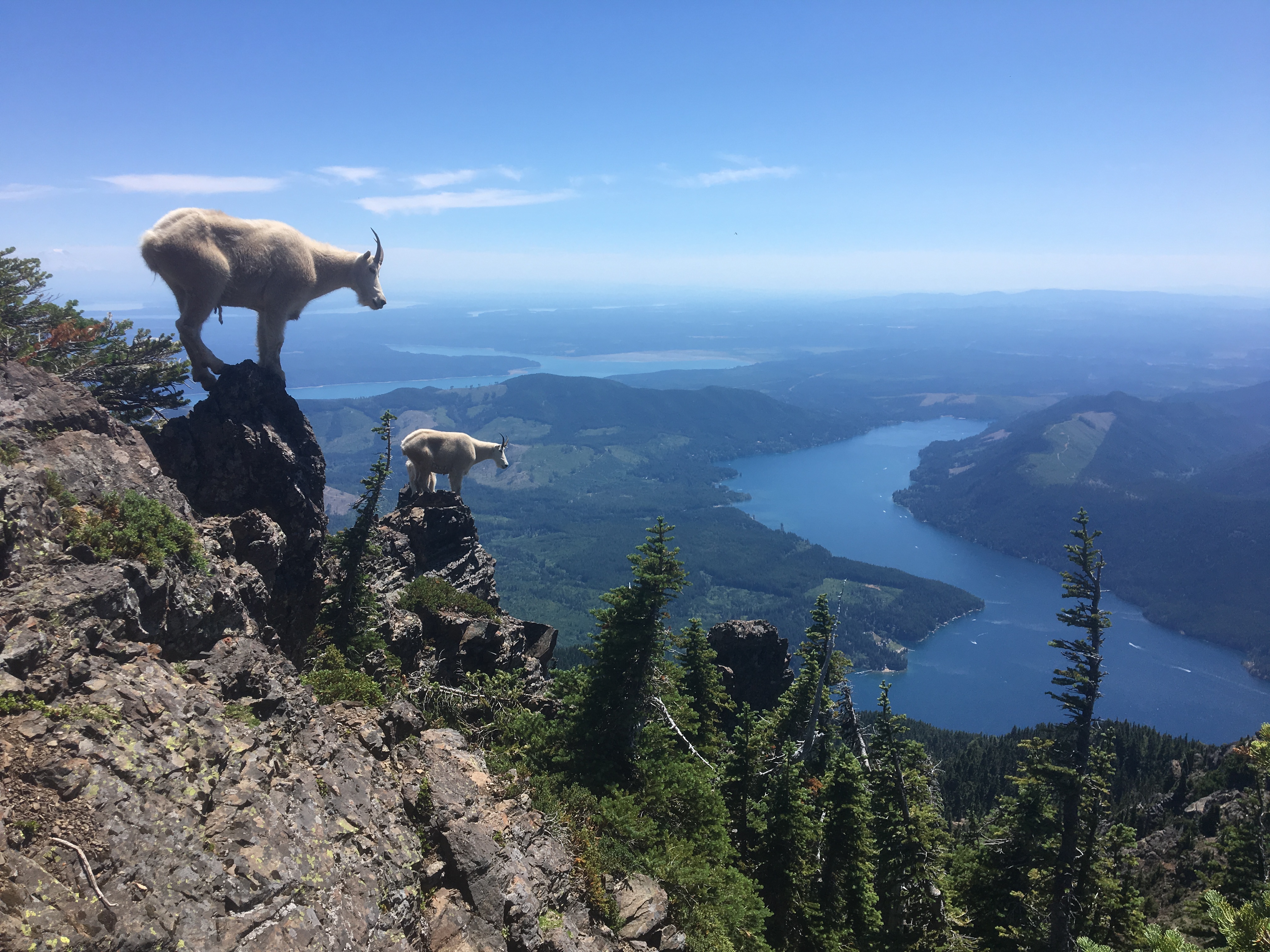
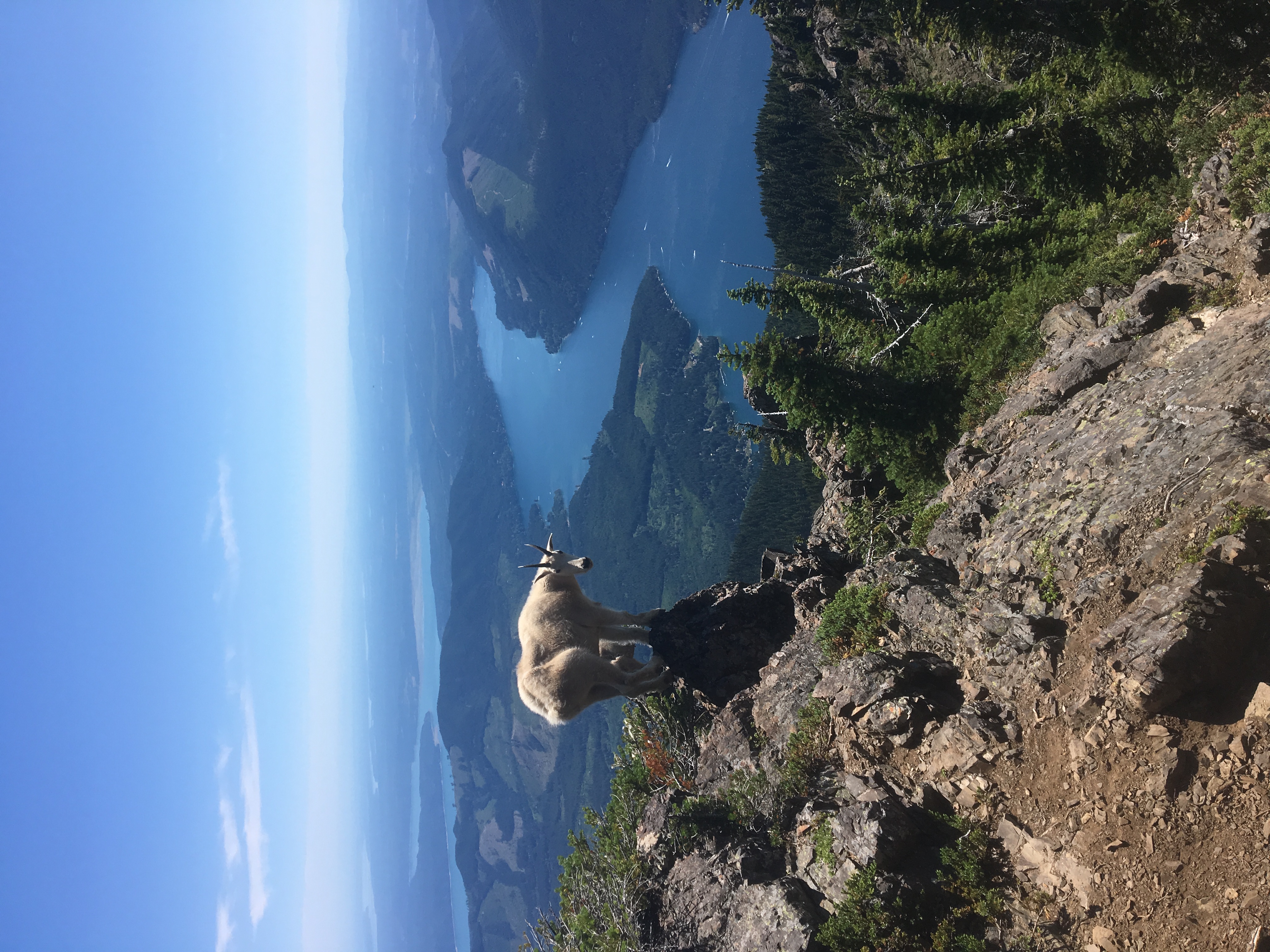
Mountain goat on a cliff face at Mount Rainier Two mountain goats on rocky peaks

Take a peek.

Download for macOS — Free
Apple Silicon · macOS 15+